A small amount of data that does not belong to any file
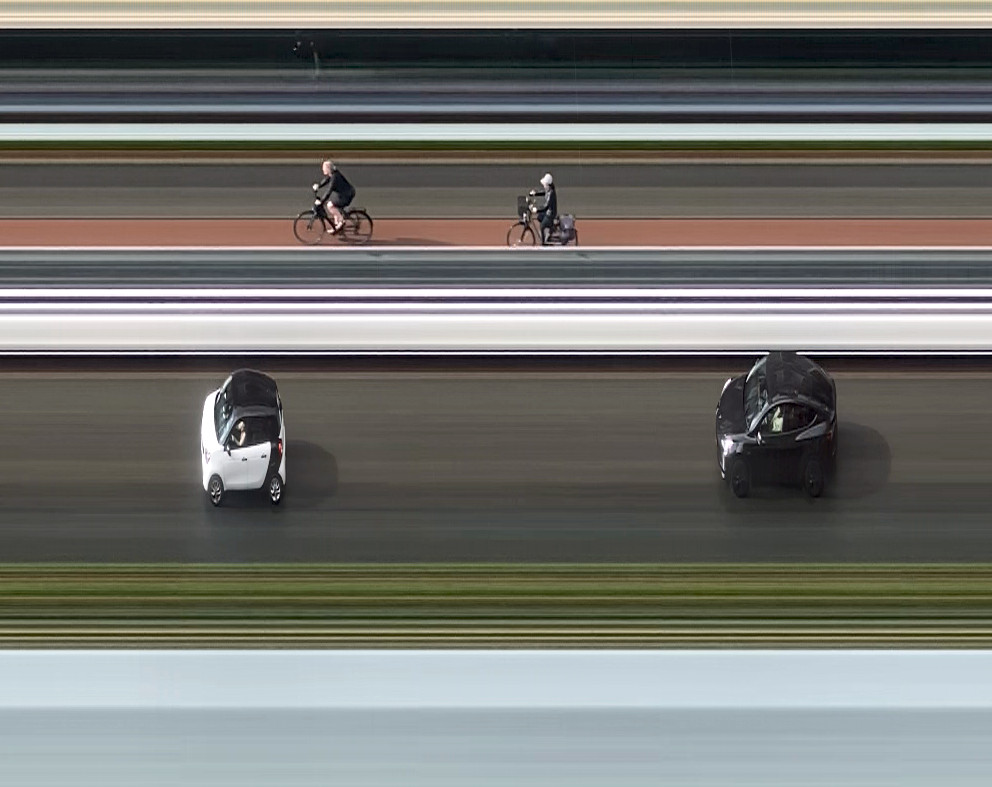
This small slit-scan photography script turns a video into a single panoramic image. It takes an 1px vertical strip from each frame, places those strips side by side in chronological order. The result is a long panorama in which the horizontal axis represents time, while the vertical axis comes directly from the video. This can be done surprisingly easily with FFmpeg.
The most important choice is the frame rate:
Use vertical mode to get the highest resolution. There is an important catch when working with iPhone slow-motion recordings. The iPhone can transcode a slo-mo video when it is transferred or exported. This can change the frame rate of the file you eventually feed into FFmpeg, defeating the purpose of recording at 240 fps in the first place.
To preserve the original recording, export it from the Photos app using: File → Export → Export Unmodified Original. Avoid Airdrop.
Click for large image
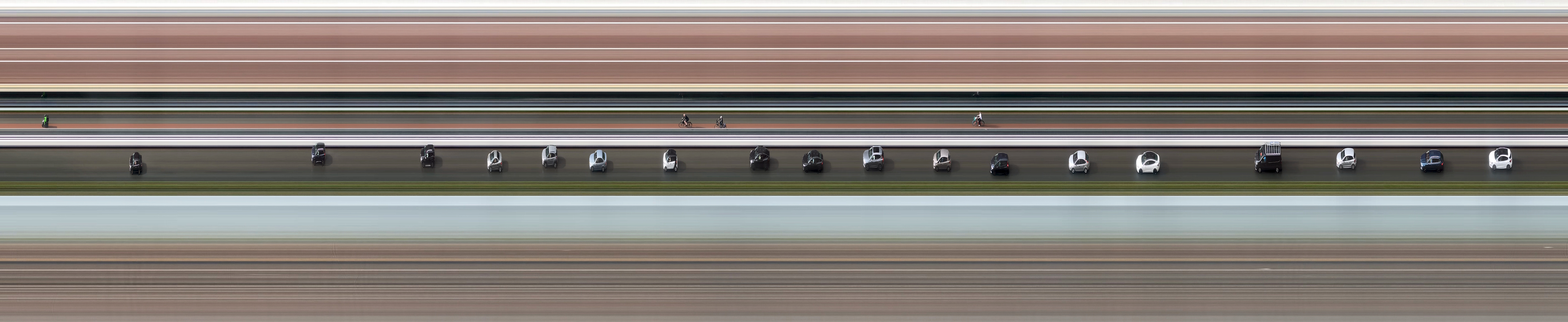 Street (HD, 240fps: 9360x1920)
 Clouds (4K, 30fps: 51548×3840)
#!/usr/bin/env bash

# Slit-scan photography generator. Takes a video file, extracts a 1-pixel-wide vertical slice
# from every frame, concatenates those slices horizontally, and writes the result next to the
# input as <input_basename>.png.

set -euo pipefail

# Configuration

input="${1:-}"

if [[ -z "$input" ]]; then
    echo "Usage: $0 <input_video>"
    exit 1
fi

if [[ ! -f "$input" ]]; then
    echo "Input file not found: $input"
    exit 1
fi

output="${input%.*}.png"

# Probe video

probe=$(ffprobe -v error \
    -count_frames \
    -select_streams v:0 \
    -show_entries stream=height,avg_frame_rate,nb_read_frames \
    -of csv=p=0:s="|" \
    "$input")

IFS="|" read -r height frame_rate frames <<< "$probe"

fps=$(awk -v rate="$frame_rate" 'BEGIN {
    split(rate, r, "/")
    printf "%.3f", r[1] / r[2]
}')

echo "FPS:        $fps"
echo "Image size: ${frames}x${height}"
echo

# Generate slit-scan panorama

ffmpeg -i "$input" \
    -vf "format=rgb24,crop=w=1:h=ih:x=(iw-1)/2:y=0:exact=1,tile=${frames}x1:nb_frames=${frames}" \
    -frames:v 1 \
    "$output"

echo
echo "Created: $output"